Less administrative friction.
Keep schedules, requests, documents and staff records in one place.
Your people, schedules, timekeeping, onboarding, documents and daily decisions—beautifully connected in one purpose-built hospitality workforce platform.
BEHIND EVERY GREAT GUEST EXPERIENCE
Hospitality never happens in a single department. A shift affects a schedule. A schedule affects attendance. Attendance affects payroll. And every handoff affects the people doing the work.
SOVEL Workforce brings those moving parts into one coherent experience—from the first invitation and signed policy to the last approved timesheet.
Discover the capabilities ↗Keep schedules, requests, documents and staff records in one place.
Understand what is assigned, confirmed, pending or complete.
A focused mobile experience built around what employees actually need.
THIS IS THE REAL PRODUCT
Not conceptual mockups. These are screens from the operating platform—presented as a product editorial, with employee details anonymized for public viewing.
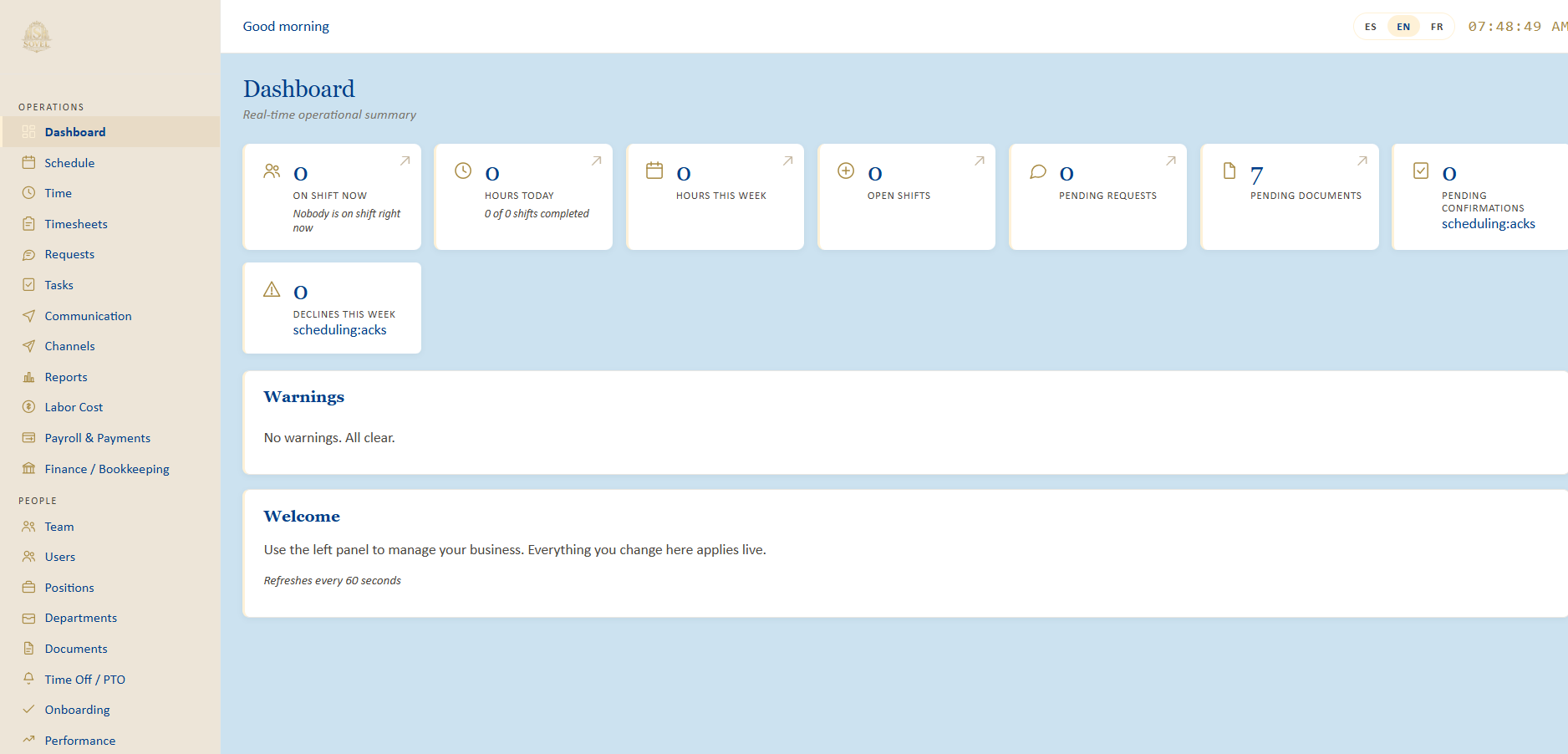
01 / OPERATIONS AT A GLANCETHE COMMAND CENTER
An operational overview brings the entire workforce into focus, showing activity, requests, open shifts and pending documents without hunting through separate screens.
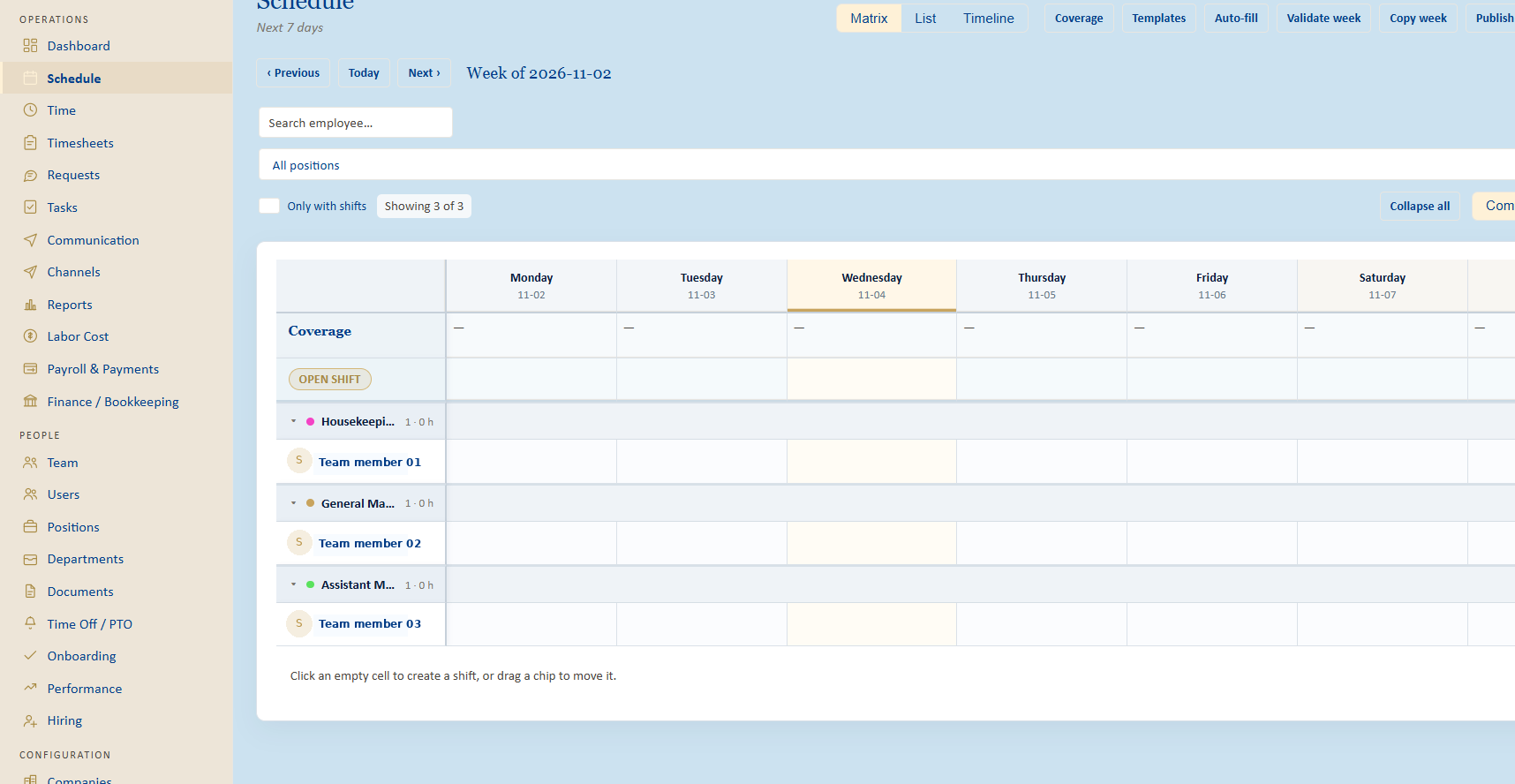
BUILT AROUND THE REAL WORKWEEK
Build and publish schedules in an organized matrix. Work by position, spot open coverage, reuse templates, and let managers move from planning to action without changing systems.
A REAL APPLICATION FOR EVERY EMPLOYEE
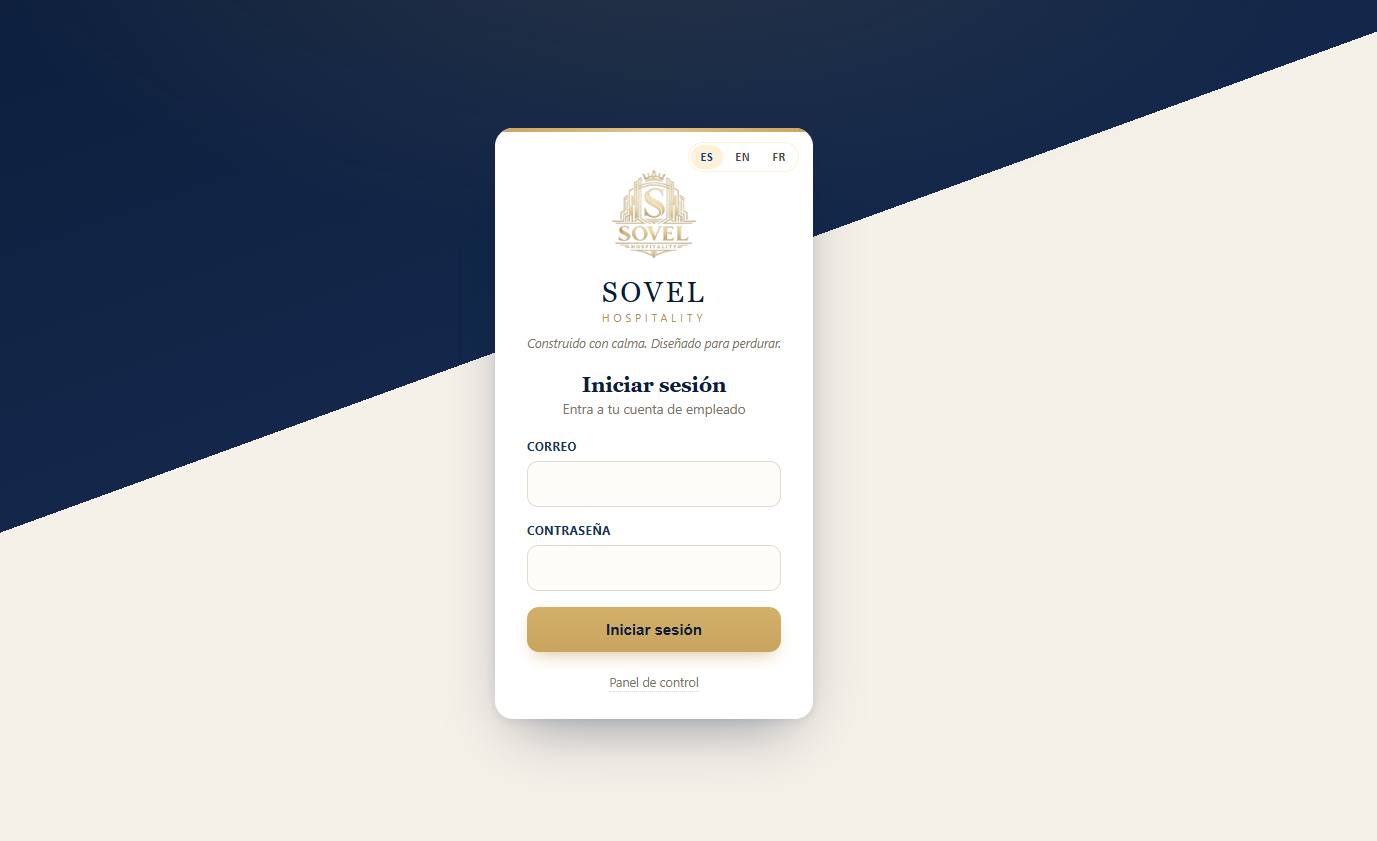
Your team should never need a long URL, a complicated manual or a second system to understand their day. SOVEL Team is an installable web app with their own secure sign-in and a purpose-built employee experience.
ONE PLATFORM / THREE FOCUSED EXPERIENCES
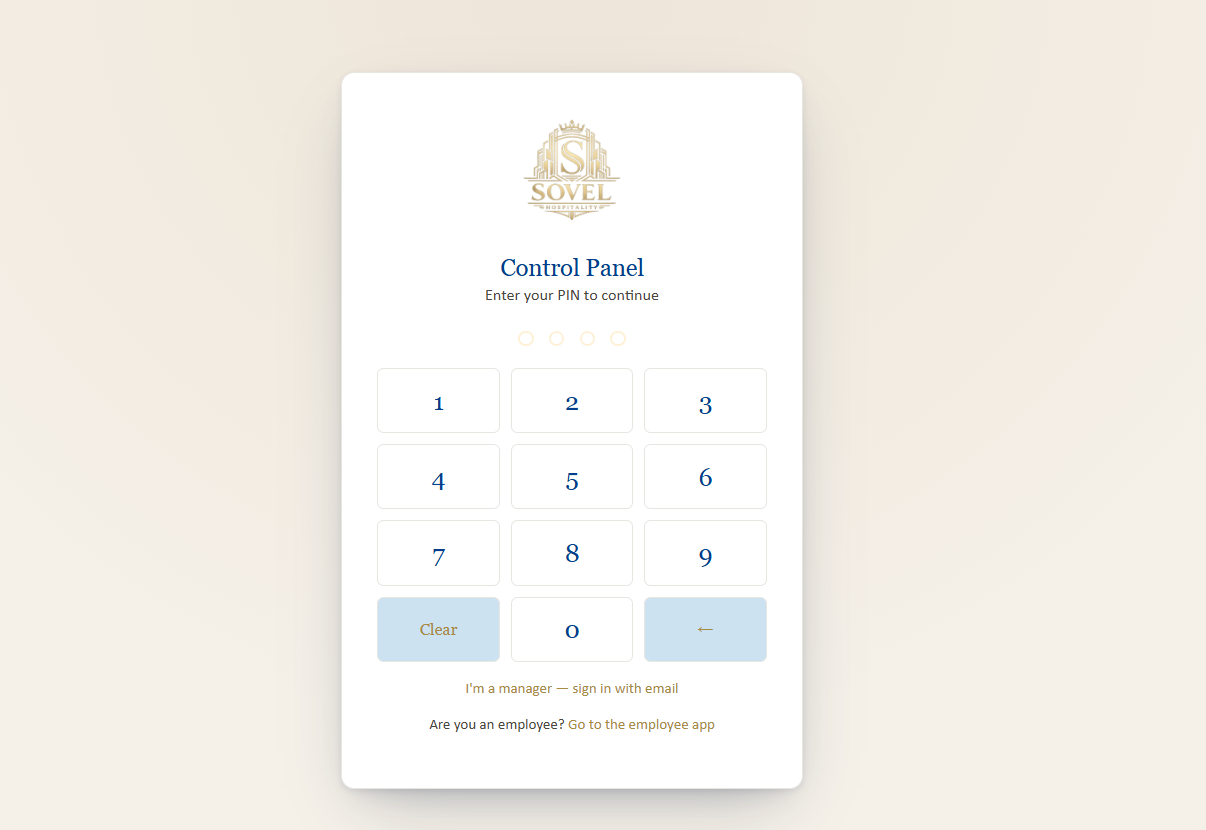
Plan staffing, review time, approve requests, manage employee records and oversee the operation.
Manager sign in ↗Every employee can see what is assigned, submit what is requested and act from their phone.
Employee access ↗A focused on-site clocking experience for shared tablets and back-of-house teams.
Explore capabilities ↗BEYOND THE BASIC SHIFT CALENDAR
From the moment someone joins the team to the last approved timesheet, every step belongs to the same operation.
Schedule matrix, shift templates, availability, open shifts and confirmations.
Employee punches, geofenced check-in, breaks, timesheets and corrections.
Installable PWA, individual schedules, requests, notices and tasks.
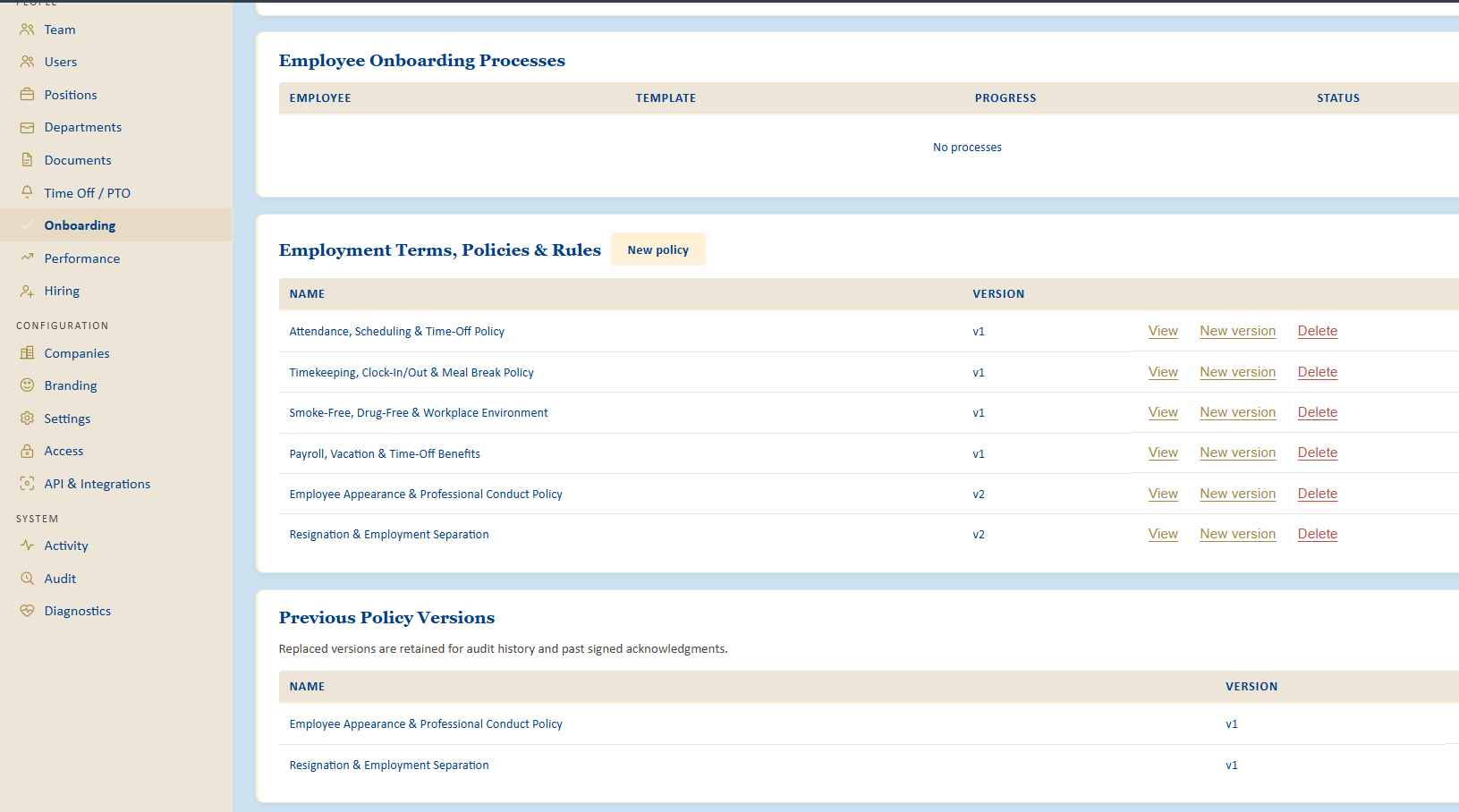
New-hire processes, versioned policies, acknowledgements and signatures.
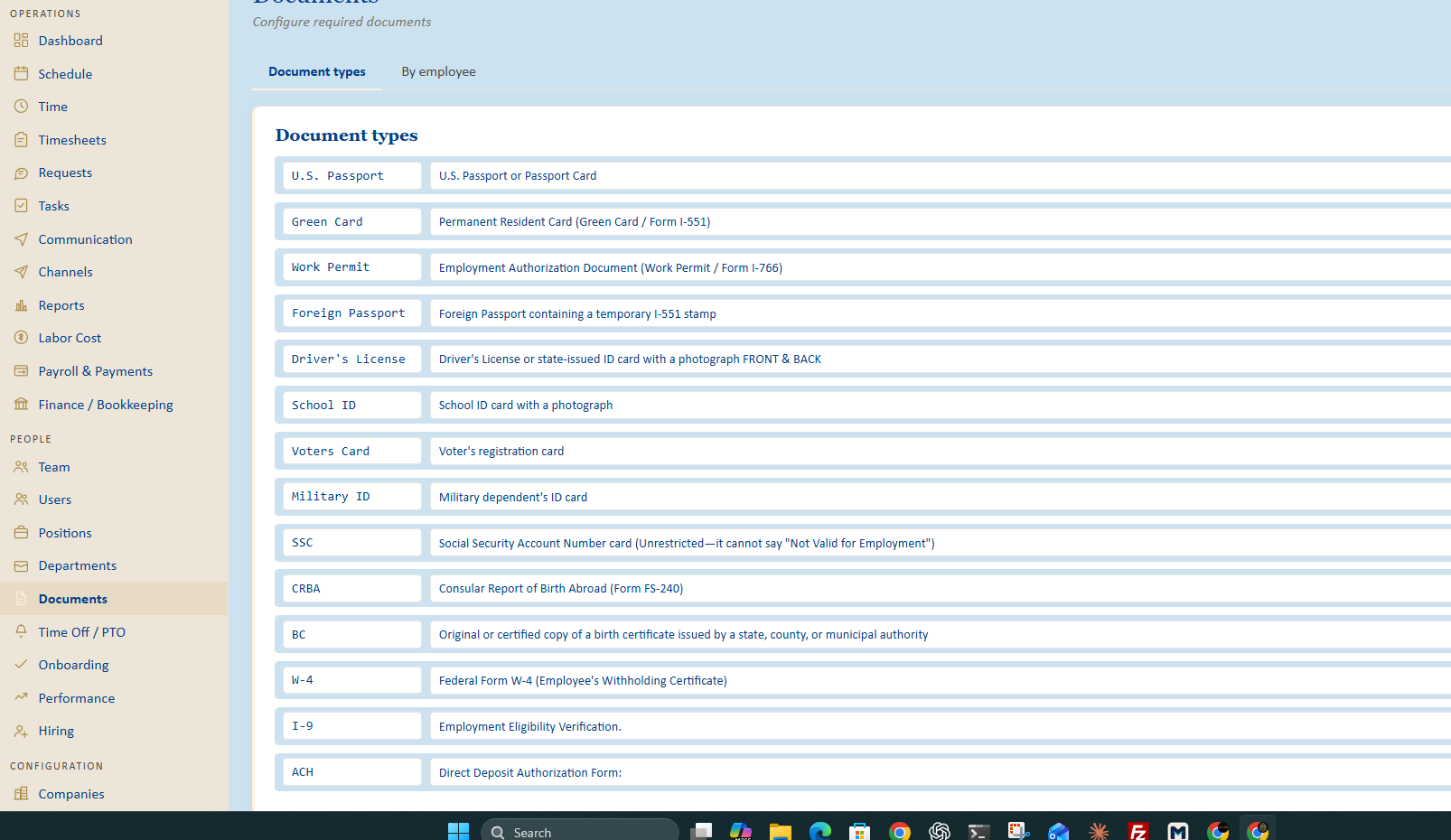
Document requirements by employee, submissions, and manager review.
Pay records, classifications, payroll workflows and financial administration.
Operational visibility, exports, audits and configuration snapshots.
Client credentials, webhooks and connector administration.
ONBOARDING SHOULD FEEL HUMAN
Invite, document, acknowledge and prepare employees without handing them an entire administrative catalog. Employees see only what they need to provide; managers keep the full picture.
STRUCTURE IS A FEATURE
A polished interface matters. So does everything supporting it: permissions, activity history, integration boundaries, structured operational records and the ability to understand what changed.
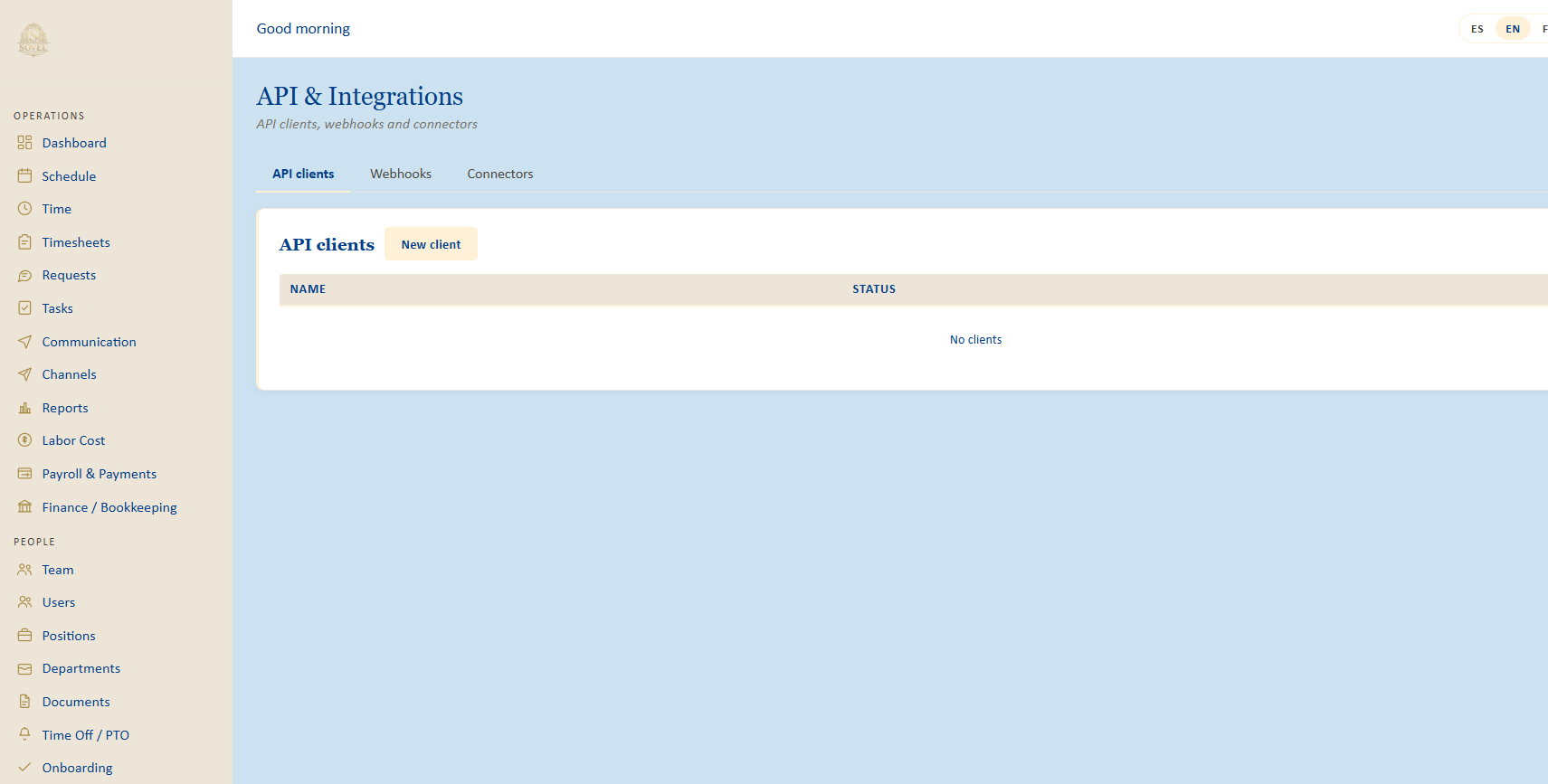
API clients, webhooks and connectors live in a dedicated management workspace.
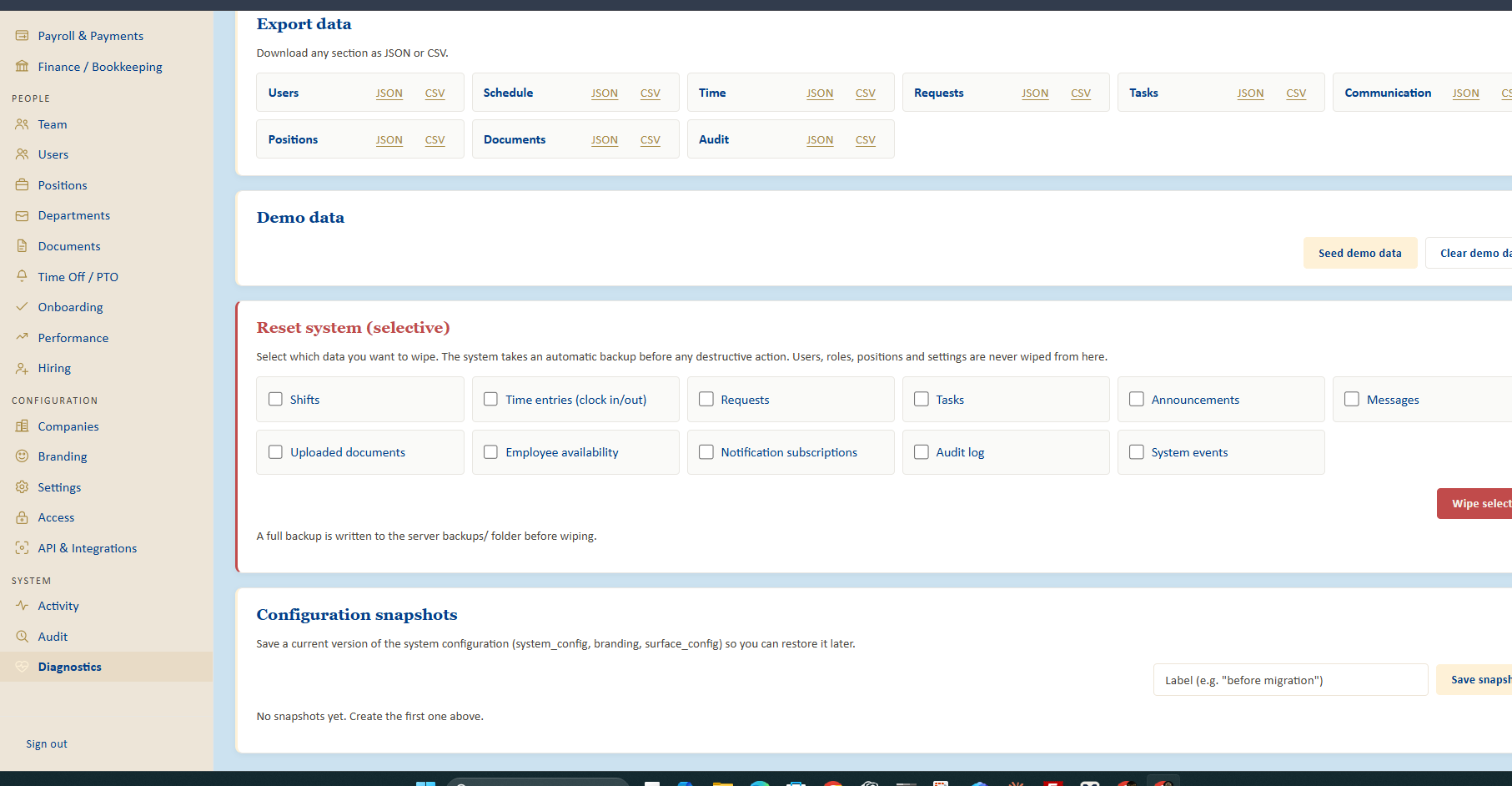
Exports, audit visibility and configuration snapshots support controlled operations.
FREQUENTLY ASKED
Beautiful software should also be straightforward to understand.
It is designed for hotels and other hospitality operations coordinating employees, shifts, attendance, requests and operational administration in one environment.
Yes. SOVEL Team is an installable progressive web app. Employees use the short link sovelworkforce.com/app, sign in with their existing credentials, and can add it to their home screen on supported phones.
Yes. Employees have an individual experience for shifts, timekeeping, requests and only the document types specifically requested for them. Management retains the complete document catalog.
The platform includes company and location administration, with employee assignments and authorized worksite selection designed for multi-location operations.
The management console includes policy versioning and acknowledgements, payroll and finance modules, reports, exports and diagnostics. Access depends on assigned permissions and configured workflows.
Authorized managers sign in through the separate management control panel. Employees sign in through the dedicated team application.
THE WORKFORCE EDITION / SOVEL
Give your team a connected workday, and management a clearer view of the operation.